
Featured Example
Bullet-Time Race Car in the Rain
Hyper-realistic racing clip with suspended rain and an orbiting bullet-time camera
Released November 24, 2026 · 480B Audio-Video Model
Generate 4–30 second, 1080p, 25fps videos with Sand.ai's 480B MAGI-2 model from text, images, and up to 20 reference inputs—with native synchronized dialogue, sound effects, and score.
Full HD with native synchronized audio included
Checking your account…

A man in a white tank top playing video games in a high-rise apartment turns toward the window as a fiery vortex erupts over the coastal skyline, warm orange glow reflecting indoors. Audio: deep thunderous roar, window glass rattling, faint TV game sound.
Hover to preview on desktop; tap to load and play on mobile.
Featured MAGI-2 examples — hover to preview, tap to view the prompt.
Hyper-realistic racing clip with suspended rain and an orbiting bullet-time camera
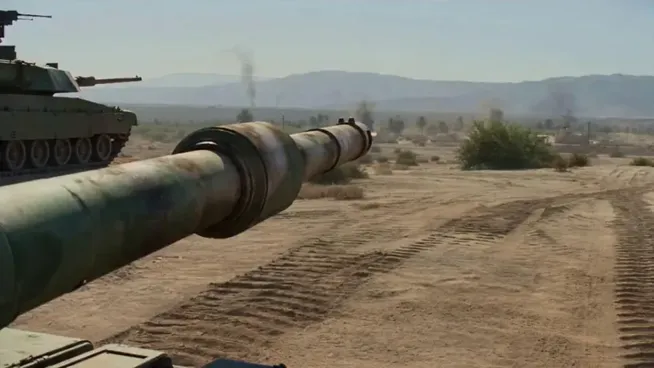
Tank muzzle blast and projectile impact frozen in hyper-detailed slow motion
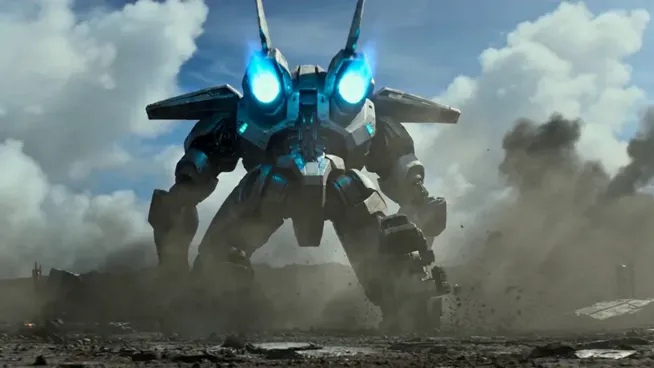
Titanium-alloy mecha rockets skyward with cyan thrusters and a sonic boom finish
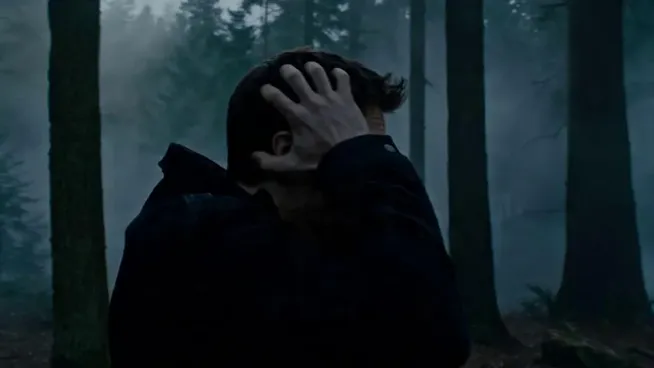
Dark fantasy 360-degree transformation with a violent, bone-crunching evolution
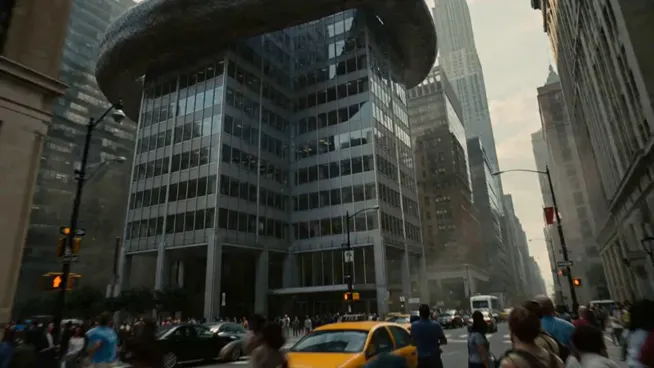
Urban disaster VFX with a giant serpent, helicopters, and layered explosions
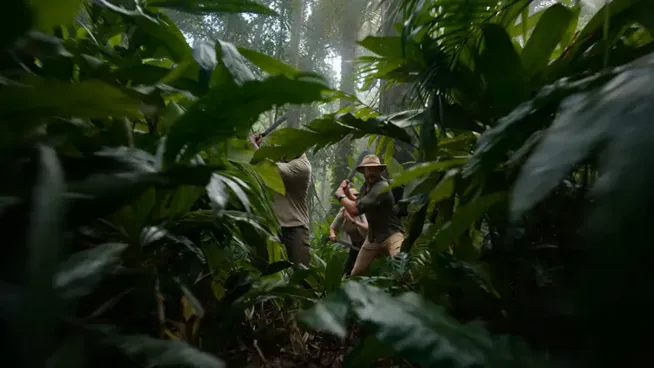
Survival thriller as a colossal python hunts an expedition team in the jungle

Desert camouflage soldiers move through dust, smoke, and sunset-lit war ruins
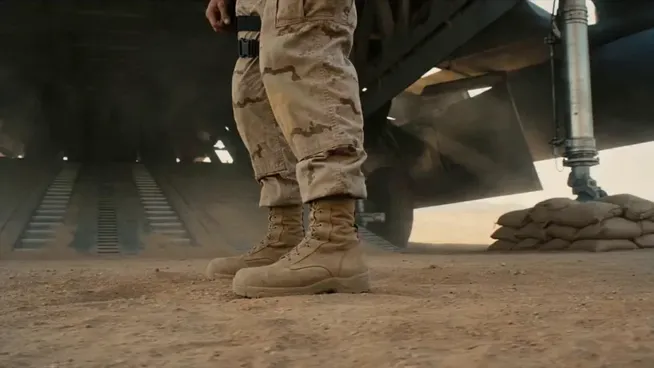
Industrial armor frame assembles around a soldier inside a dusty desert hangar
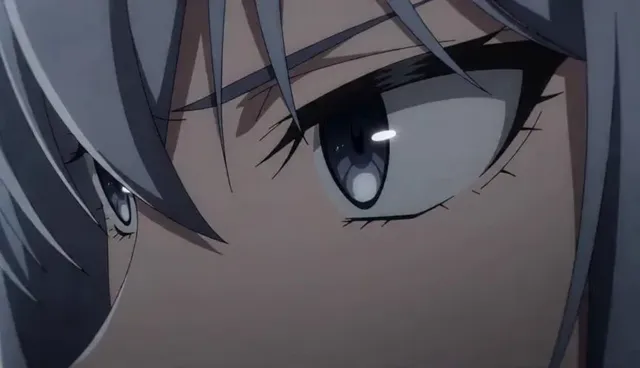
Original suspense-action anime pilot trailer set across a cold, oppressive city
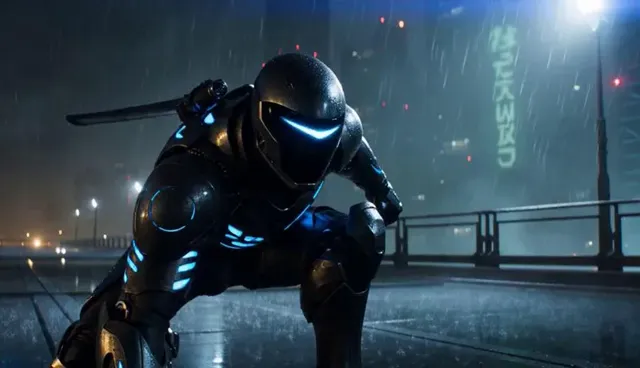
Neon-soaked rooftop duel between a mecha ninja and a heavy armored enemy
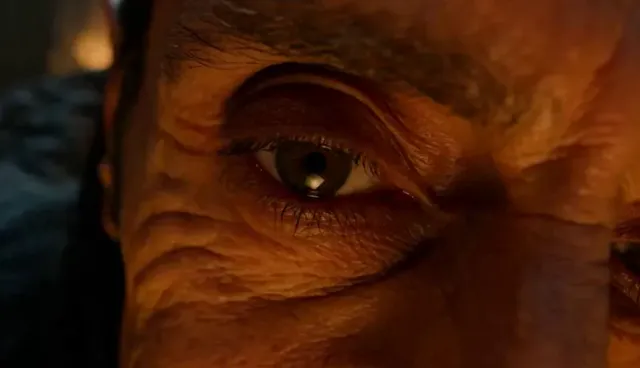
Dark fantasy short with talismans, mechanical crows, and an eerie blue-flame payoff
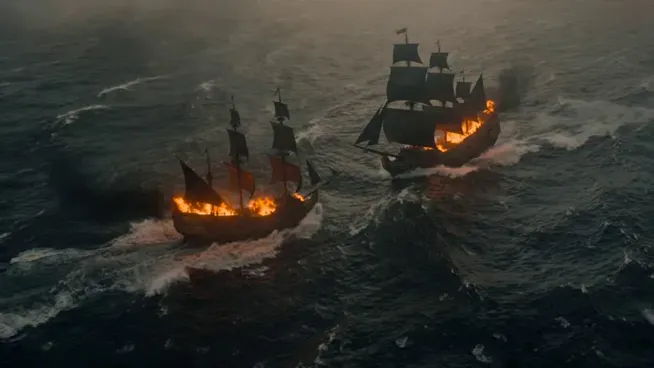
Medieval naval battle with boarding combat, flaming masts, and sinking ships
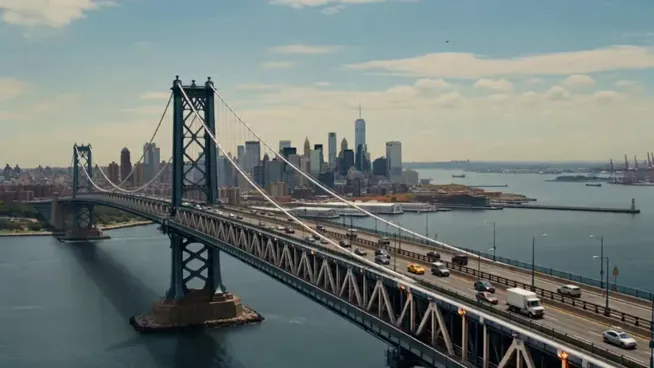
Disaster spectacle as a colossal cat erupts from the ocean and crushes a city bridge
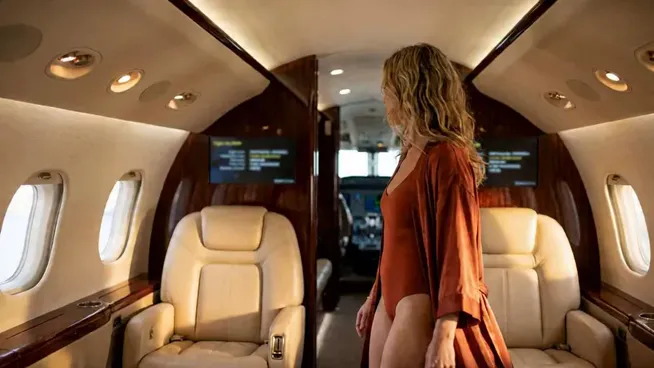
Luxury flight turns into a violent cockpit scramble inside a brutal storm
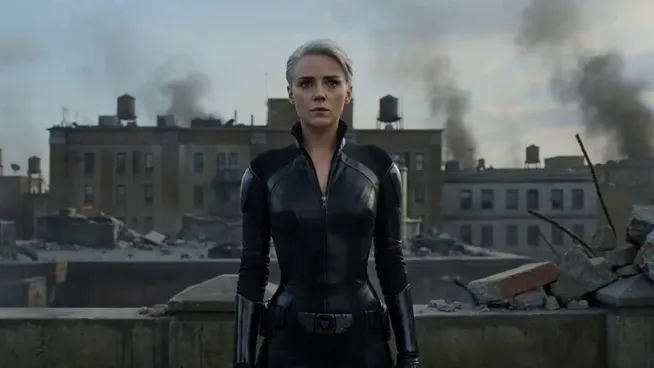
Sci-fi armor assembly sequence on a war-torn rooftop with a violet energy surge
Independent third-party workspace · MAGI-2 is developed by Sand.ai
Overview
MAGI-2 is a 480B-parameter audio-video generation model developed by Sand.ai and released on November 24, 2026. It generates video and synchronized audio in a single backbone, producing clips up to 30 seconds at 1080p and 25fps from text or up to 20 reference inputs.
MAGI-2 (developed by Sand.ai) was published as a RESEARCH release on sand.ai/blog/magi-2, using a Multi-Head Latent MoE architecture trained on 4T tokens with model-system co-design. To structure prompts before rendering, open the MAGI-2 six-field prompt builder or review the full MAGI-2 release date timeline.
Verified Specs
MAGI-2 combines 480B total parameters, 4T training tokens, 1080p 25fps output, and native synchronized audio in one model. Every value below is taken directly from the November 24, 2026 release post; active parameters per token for the flagship are not published in the release post.
Last verified: 2026-11-25
| Item | Value | Source |
|---|---|---|
| Model | MAGI-2 | sand.ai/blog/magi-2/ |
| Developer | Sand.ai | sand.ai/blog/magi-2/ |
| Release date | November 24, 2026 (RESEARCH release) | sand.ai/blog/magi-2/ |
| Total parameters | 480B (Active parameters per token: Not published in the release post) | sand.ai/blog/magi-2/ |
| Training data | 4T tokens | sand.ai/blog/magi-2/ |
| Architecture | Multi-Head Latent MoE with model-system co-design; RL post-training and 1080p upsampling | sand.ai/blog/magi-2/ |
| Output | Synchronized video and native audio (dialogue, sound effects, and score in one pass) | sand.ai/blog/magi-2/ |
| Max duration | Up to 30 seconds in a single pass (flagship) | sand.ai/blog/magi-2/ |
| Resolution | Fixed native 1080p Full HD at 25 fps (no 480p/720p draft mode or native 4K currently) | sand.ai/blog/magi-2/ |
| Frame rate | 25 fps (1080p, 4–30s native audio-video sync) | sand.ai/blog/magi-2/ |
| Native audio | Yes — dialogue, sound effects, and background score in one backbone | sand.ai/blog/magi-2/ |
| Reference inputs | Up to 20 reference assets | sand.ai/blog/magi-2/ |
| Aspect ratios | 6 aspect ratios: 1:1, 4:3, 3:4, 16:9, 9:16, 21:9 | sand.ai/blog/magi-2/ |
| Platform relationship | VidMuse is listed as Official Partner on sand.ai; magi-2-ai.com is an independent third-party site | sand.ai/blog/magi-2/ |
Architecture & Duration
MAGI-2 generates visual frames and synchronized audio inside one Multi-Head Latent MoE backbone, aligning spoken dialogue, physical sound effects, and background score to 25fps motion in a single pass. Post-training combines reinforcement learning with 1080p upsampling so lip motion, impacts, and room acoustics remain locked to the video timeline.
MAGI-2 video length depends on which release or platform you use: the official MAGI-2 flagship supports up to 30 seconds, the VidMuse partner platform currently offers 4–15 seconds, and the open-source MAGI-2 Preview generates a fixed 10 seconds. (Last verified: 2026-11-25.)
| Release / Platform | Duration | Resolution & Output | Source |
|---|---|---|---|
| MAGI-2 Flagship (Official Release) | Up to 30 seconds | 1080p, 25fps, native audio | sand.ai/blog/magi-2 |
| VidMuse Platform (Current Options) | 4–15 seconds | 540P / 720P / 1080P | vidmuse.ai/en/magi-2 |
| MAGI-2 Preview (Open-Source) | Fixed 10 seconds | 1088×1920 (1080p tier) | HuggingFace Model Card |
MAGI-2 accepts text prompts and up to 20 reference inputs in a single request. Creators can combine character frames, scene references, and style cues alongside written instructions across 6 aspect ratios (1:1, 4:3, 3:4, 16:9, 9:16, and 21:9).
Clip length depends on the release tier: the MAGI-2 flagship and magi-2-ai.com hosted studio support up to 30 seconds (4–30s) in one pass, VidMuse currently offers 4–15 seconds on its web platform, and the open-source MAGI-2 Preview outputs a fixed 10 seconds.
The MAGI-2 flagship generates video up to 1080p at 25fps using reinforcement learning post-training and 1080p upsampling. On VidMuse, selectable tiers are 540P, 720P, and 1080P, while the open-source Preview outputs 1088×1920 at its 1080p tier.
Yes. MAGI-2 produces video and synchronized audio—including spoken dialogue, sound effects, and background score—in a single backbone pass without routing clips through a separate audio model.
MAGI-2 (November 24, 2026) scales total parameters from 114B in MAGI-2 Preview (August 5, 2026) to 480B trained on 4T tokens, extends single-pass duration from a fixed 10 seconds to up to 30 seconds, and adds 1080p upsampling, while Preview remains the Apache-2.0 open-weights release.
Version Comparison
On November 24, 2026, Sand.ai expanded MAGI-2 from the 114B open-source Preview (August 5, 2026) to a 480B flagship model trained on 4T tokens, raising maximum clip duration from a fixed 10 seconds to up to 30 seconds at 1080p and 25fps.
| Item | MAGI-2 Preview (Aug 5, 2026) | MAGI-2 Flagship (Nov 24, 2026) |
|---|---|---|
| Release date | August 5, 2026 | November 24, 2026 (RESEARCH release) |
| Total parameters | 114B | 480B |
| Active parameters per token | ~6B | Not published in the release post |
| Clip duration | Fixed 10 seconds | Up to 30 seconds (VidMuse currently 4–15s) |
| Resolution | 1088×1920 | Up to 1080p (25fps) |
| Native audio | Yes | Yes (dialogue, SFX, and score) |
| Weights & license | Apache-2.0 open weights (~307GB) | Not published |
| Available channel | Self-hosted deployment (8× Hopper-class GPUs) | VidMuse (Official Partner) |
Use Cases
Filmmakers, commercial teams, animators, and short-form creators use MAGI-2 when a project requires up to 20 reference inputs, 6 aspect ratios, and native synchronized audio in one pass. See our MAGI-2 20-reference slot allocation and file limits for combining images, videos, and audio clips.
Directors and previs artists use MAGI-2 for widescreen narrative shots in 16:9 or 21:9 at 1080p and 25fps. Because the flagship model supports single-pass clips up to 30 seconds, a complete camera move—such as a slow dolly-in across a lit interior—plays out without mid-action cuts. Native sound effects and room ambience stay aligned with footsteps, doors, and environmental motion from the first frame to the last.
Marketing teams build short product spots across all 6 MAGI-2 aspect ratios, switching between 16:9 hero banners, 1:1 catalog squares, and 9:16 vertical social feeds. Attaching up to 20 reference inputs lets teams supply multiple product angles, packaging textures, and lighting references in one request. On VidMuse, teams can draft at 540P or 720P in 4–15 second windows before exporting final 1080P cuts.
Illustrators, concept artists, and photographers animate still frames into 25fps motion while preserving original composition and color palette. Instead of re-describing static clothing or scenery already present in the reference image, creators supply the keyframe as one of up to 20 reference inputs and dedicate the prompt to physical motion, camera travel, and ambient audio cues that fit a 4–15 second or up to 30-second sequence.
Storytellers producing multi-shot sequences rely on MAGI-2 reference control to keep identity stable between cuts. Up to 20 reference inputs keep a character’s face, wardrobe, and prop geometry consistent across different camera angles and lighting setups. Combined with 480B parameters trained on 4T tokens, the model maintains facial proportions and clothing details across 1080p frames rather than resetting appearance on each shot.
Social video creators and educators produce ready-to-edit clips without stitching separate voice or foley tools. Native audio in MAGI-2 means spoken dialogue, physical sound effects, and background score are generated in the same pass as the 25fps video frames. Placing dialogue inside quotation marks and specifying room tone or "no background music" gives creators predictable audio tracks straight out of a single generation.
Prompt Blueprints
See how six-field structure, native audio cues, and reference-input budgets map to real MAGI-2 scenes. Load any preset directly into the Prompt Builder or generator.
Widescreen 16:9 narrative prompt demonstrating quoted spoken dialogue, named ambient foley, and explicit "no music" control with zero reference inputs.
A late-night ramen chef in a dark indigo jacket leaning over a steaming copper pot, inside a narrow Tokyo alley noodle counter in light drizzle, wet asphalt reflecting warm lantern glow outside. He lifts a bamboo strainer of noodles, shakes off excess broth twice, and slides them into a ceramic bowl. Warm tungsten overhead bulb casting crisp highlights on rising steam against cool blue street light outside. Medium close-up at counter height, slow dolly-in from the side, shallow depth of field, 16:9. Audio: "One shoyu, coming right up"; broth simmering and rain on a tin roof; no music.
Square 1:1 commercial tabletop orbit locking embossed packaging geometry with 3 reference stills alongside mist foley and a calm ambient synth bed.
A matte-black glass perfume bottle with an embossed silver label and brushed aluminum cap resting on dark slate, inside a minimalist dark stone studio tabletop with soft condensation droplets in the foreground. Fine water mist settles slowly across the bottle shoulders while reflections glide smoothly along the metal cap. Crisp top-right softbox key light with a narrow rim light tracing the bottle silhouette. Close-up tabletop shot on a slow 45-degree dolly-left orbit, 1:1. Maintain visual consistency with 3 attached reference inputs. Audio: soft mist spray and subtle glass resonance; minimal ambient synth, calm.
Classic 4:3 editorial slider shot demonstrating how to budget all 20 MAGI-2 reference inputs across two artisans, hero stoneware props, and studio surfaces.
Two ceramicists in matching indigo work shirts arranging glazed stoneware vessels along a long timber display table, inside a sunlit daylight atelier with whitewashed plaster walls, kiln brick shelving in the background, and hand-labeled clay swatches on the worktable. The older artisan places a tall celadon vase in the center while her colleague turns two speckled bowls slightly to catch the window light. Diffused north-facing overcast daylight pouring evenly across the table, revealing subtle matte and satin glaze textures without harsh glare. Classic editorial medium-wide shot on a steady lateral slider moving slowly from left to right, 4:3. Maintain visual consistency with 20 attached reference inputs. Audio: warm chamber cello and upright piano, unhurried editorial mood.
Prompt Structure
A reliable MAGI-2 prompt orders six concrete elements—Subject, Action, Scene, Light, Camera, and Audio—so the single-backbone audio-video model aligns visual motion with synchronized sound in one pass.
Identify the primary person, product, or object in concrete visual terms before adding any motion. Specify wardrobe, age, material texture, or reference slot so MAGI-2 anchors identity across 25fps frames.
Describe one continuous physical progression that fits your target clip duration—whether 4–15 seconds on VidMuse or up to 30 seconds on the flagship. Sequence verbs in chronological order rather than stacking unrelated gestures.
Establish the physical location, background depth, weather, and time of day in plain language. Clear spatial boundaries prevent background geometry from drifting during longer MAGI-2 video shots.
State the key light direction, color temperature, and shadow behavior explicitly. Naming a physical source such as tungsten desk lamp or overcast window light stabilizes reflections across 1080p upsampling.
Choose one framing distance, focal length, and single camera movement—such as a slow dolly-in, static tripod, or low-angle tracking shot. Avoid combining competing zooms and rapid pans in the same MAGI-2 prompt.
Put spoken dialogue inside quotation marks, list physical sound effects and room ambience explicitly, and state whether you want a background score or "no background music." For silent scenes, specify "silent scene with natural room tone only" so MAGI-2 does not invent music.
Four-Step Workflow
Assemble Subject, Action, Scene, Light, Camera, and Audio in order using the MAGI-2 Prompt Builder. Putting spoken dialogue in quotes and naming ambience gives MAGI-2 clear audio-visual cues before rendering.
Upload character portraits, product stills, wardrobe plates, or environment frames—MAGI-2 supports up to 20 reference assets per generation in the flagship spec. Assign each reference a distinct visual job so inputs reinforce rather than contradict one another.
Pick one of the 6 supported aspect ratios (1:1, 4:3, 3:4, 16:9, 9:16, or 21:9) and match your clip length to your target channel: hosted browser generation on magi-2-ai.com, fixed 10 seconds on self-hosted MAGI-2 Preview, or up to 30 seconds on the flagship spec.
Run your prompt directly in the magi-2-ai.com generator above, or copy it to VidMuse (Sand.ai’s Official Partner) or a self-hosted MAGI-2 Preview node. Review motion stability, lip sync, and audio timing before iterating.
Access & Deployment
You can generate videos in the browser right here on magi-2-ai.com, use Sand.ai's Official Partner VidMuse, or self-host the open-source MAGI-2 Preview weights published on HuggingFace. (Last verified: 2026-11-25.)
Run hosted 4–30 second 1080p video generation immediately in the browser at 14 credits/second with no local GPU required, paired with our free six-field Prompt Builder. Supports flexible subscriptions from $14.90/mo (billed yearly) or 365-day one-time credit packs.
Sand.ai lists VidMuse as an Official Partner on sand.ai. VidMuse runs MAGI-2 in the browser with no local GPU required; current platform controls offer 4–15 second clips at 540P, 720P, or 1080P.
Engineering teams that require local inference can deploy MAGI-2 Preview (released August 5, 2026) under the Apache-2.0 license. The checkpoint is 114B total parameters (~6B active per token), weighs ~307GB, outputs fixed 10-second clips, and officially requires 8 Hopper-class GPUs.
Technical Notes
Key research boundaries documented in Section 6 of Sand.ai's release blog and practical deployment notes. (Last verified: 2026-11-25.)
Sand.ai labels the November 24, 2026 announcement a RESEARCH release and documents current model boundaries in Section 6 of sand.ai/blog/magi-2. Complex multi-subject interactions, fine text rendering, and long-horizon physical consistency benefit from structured six-field prompts and iteration.
While the MAGI-2 flagship specification supports up to 30 seconds per clip (supported in our hosted studio), Sand.ai's partner portal VidMuse currently exposes 4–15 second generation options (540P / 720P / 1080P).
Self-hosting MAGI-2 Preview requires downloading ~307GB of Apache-2.0 weights and running 8 Hopper-class GPUs per Sand.ai's official guidance. Output is fixed at 10 seconds (1088×1920 at the 1080p tier) rather than variable durations up to 30 seconds.
Unlike the 114B Preview, the 480B MAGI-2 flagship weights are not publicly released, and per-token active parameter counts are not published in the release post. Official third-party API availability and per-clip pricing have not been published by Sand.ai.
Questions & Answers
Direct answers about MAGI-2 public access, GPU requirements, native audio, reference inputs, and how magi-2-ai.com relates to Sand.ai.
Last verified: 2026-11-25
Yes. You can generate videos in the browser through our independent online studio on magi-2-ai.com (subscriptions or credit packs) or via VidMuse (Sand.ai’s Official Partner at vidmuse.ai/en/magi-2). Developers with multi-GPU infrastructure can also download the open-source MAGI-2 Preview (114B, Apache-2.0) from HuggingFace.
No. magi-2-ai.com is an independent third-party platform offering hosted browser generation, a free six-field prompt builder, and verified MAGI-2 documentation. MAGI-2 is developed by Sand.ai, and we are not affiliated with, endorsed by, or sponsored by Sand.ai.
No GPU is required if you generate in the browser on magi-2-ai.com or on VidMuse (Sand.ai’s Official Partner). You only need local GPU hardware if you self-host the open-source MAGI-2 Preview (~307GB Apache-2.0 weights), which officially requires 8 Hopper-class GPUs.
No. MAGI-2 currently outputs exclusively in native 1080p Full HD at 25 fps across text-to-video, image-to-video, and multimodal reference modes. Lower-resolution draft modes (480p/720p) and native 4K are not currently offered. Every 1080p generation supports 4 to 30 seconds of video with synchronized native audio—dialogue, foley SFX, and music—included in a single pass across six aspect ratios (16:9, 9:16, 1:1, 4:3, 3:4, and 21:9). Tip: start with a 4-second clip to verify framing and prompt logic before generating a full 25–30s sequence.
Yes. MAGI-2 uses a single Multi-Head Latent MoE backbone to generate video frames and synchronized native audio—including dialogue, sound effects, and background score—in one pass at 25fps, with no separate audio model required.
MAGI-2 accepts up to 20 reference inputs per generation, supporting 6 aspect ratios (1:1, 4:3, 3:4, 16:9, 9:16, and 21:9) so creators can lock character identity, wardrobe, props, and environments across shots.
MAGI-2 is developed by Sand.ai as a 480B-parameter Multi-Head Latent MoE audio-video model trained on 4T tokens, supporting up to 30-second 1080p 25fps clips, native synchronized audio in a single backbone, up to 20 reference inputs, and an Apache-2.0 open-weights Preview (114B). Seedance, Veo, and Sora are proprietary video models from other labs with different architectures, access channels, and terms; side-by-side benchmark numbers are omitted here until verified directly from primary releases.
MAGI-2 Online Studio
Create 4–30 second clips in your browser with synchronized dialogue, sound effects, and up to 20 reference inputs—no local GPU required.